Connect A Device To A Domain (Cloudflare Tunnel)
You can connect any Portacode device to a custom domain you control.
Before starting, your domain must be on Cloudflare, or its DNS must be delegated/mapped to Cloudflare DNS.
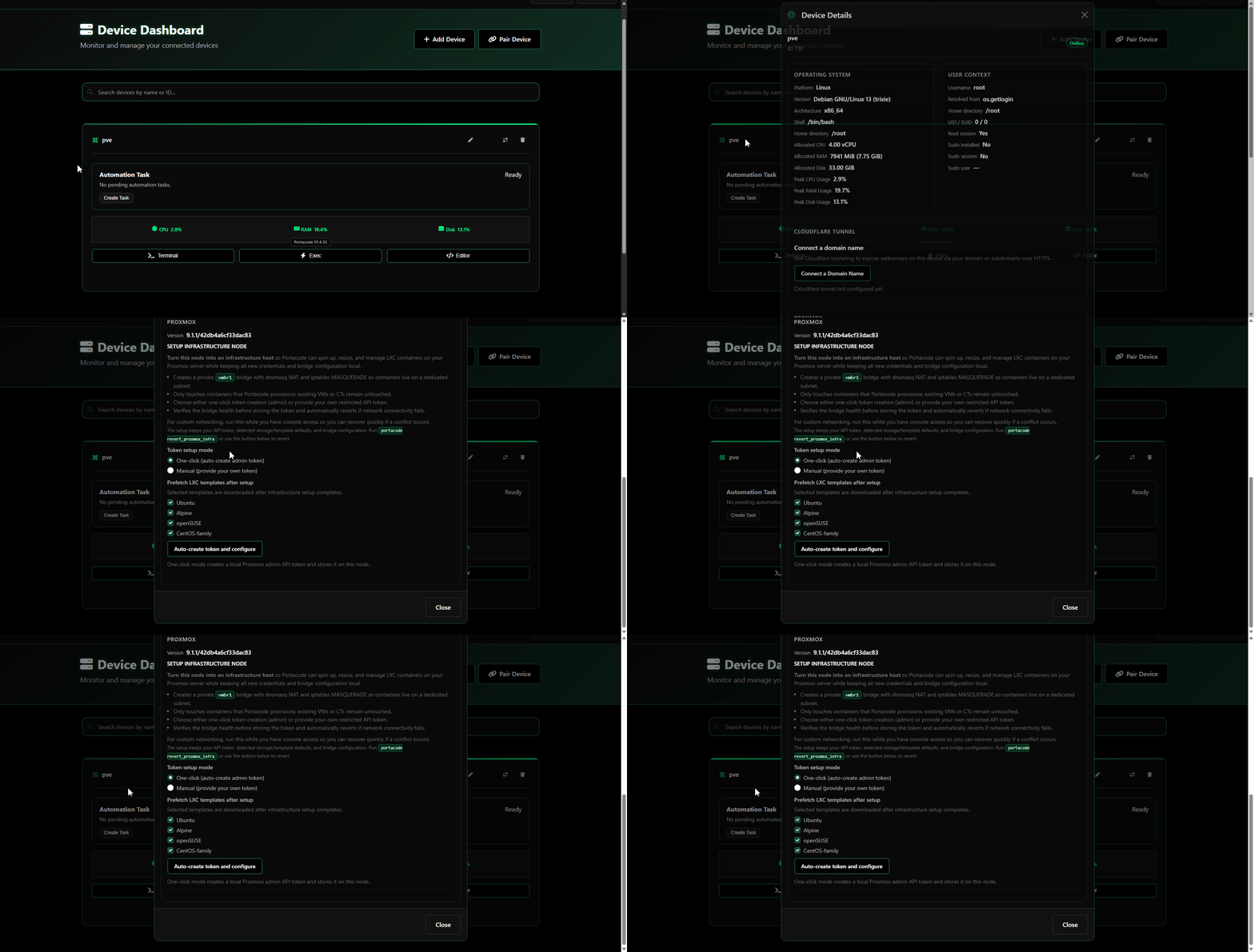
Open the device info modal from the dashboard (same flow shown below), then go to Cloudflare Tunnel and click Connect a Domain Name.
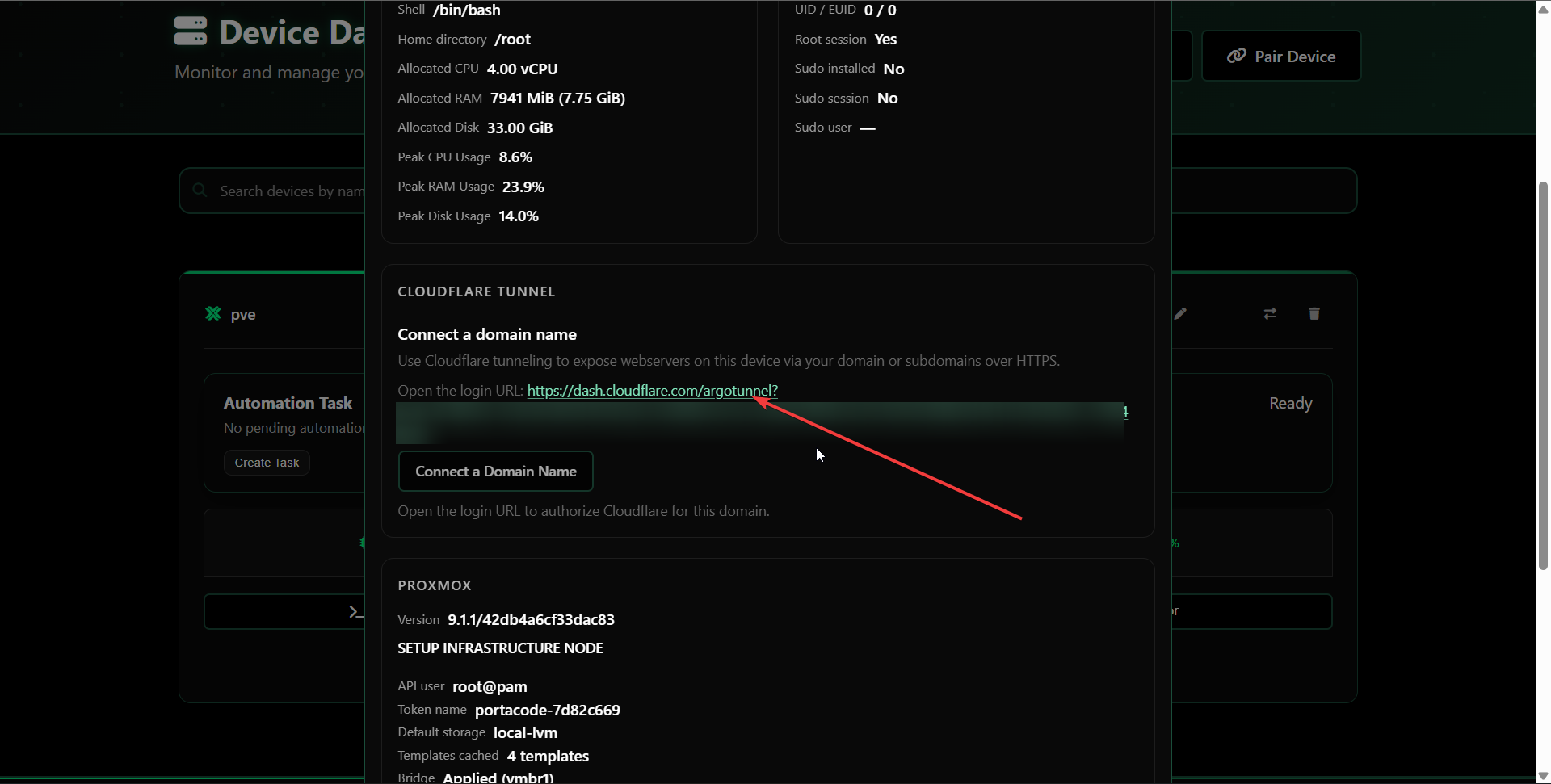
You will see a Cloudflare authorization link in the modal:
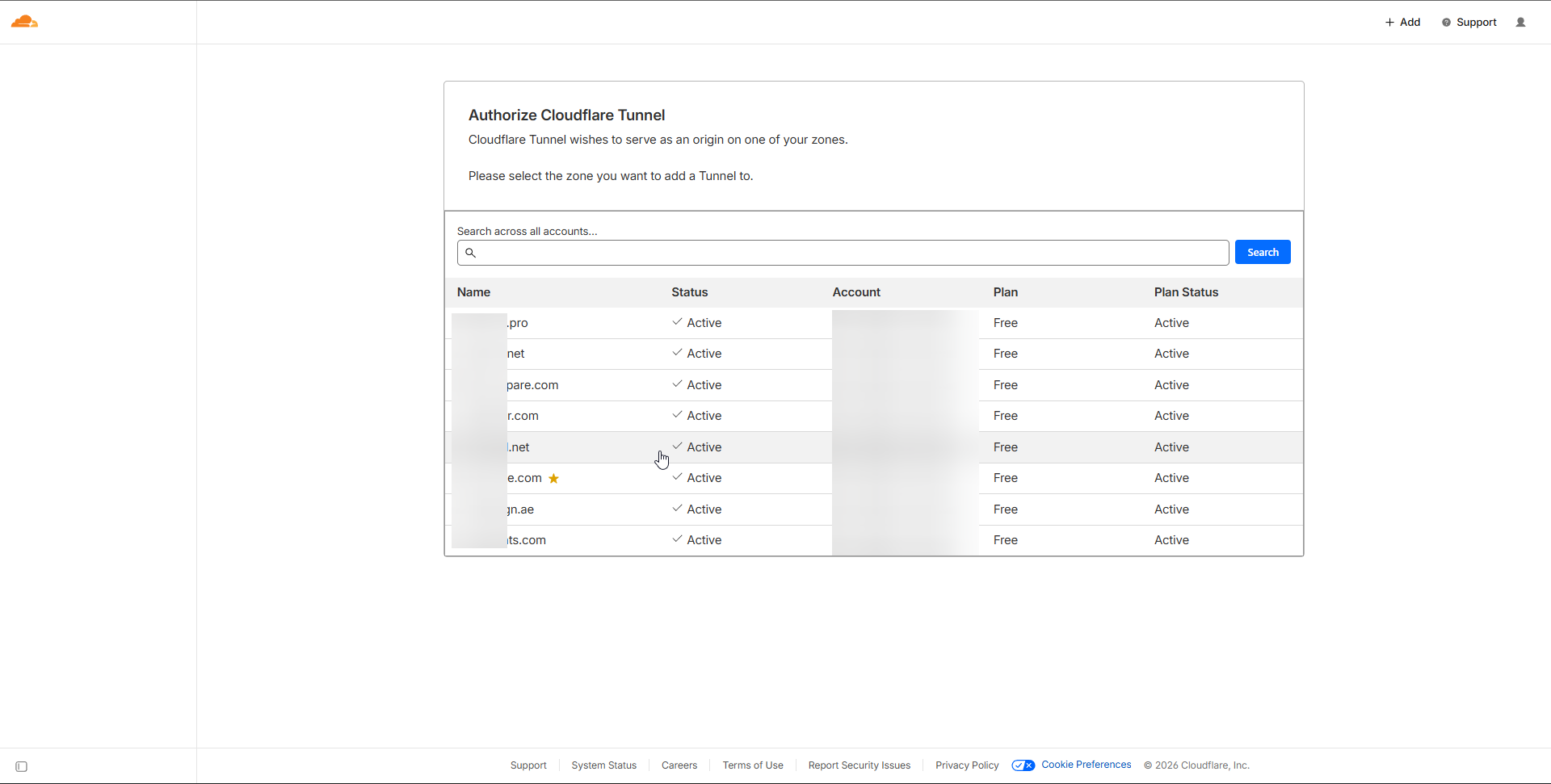
Open that link and choose the domain/zone to authorize:
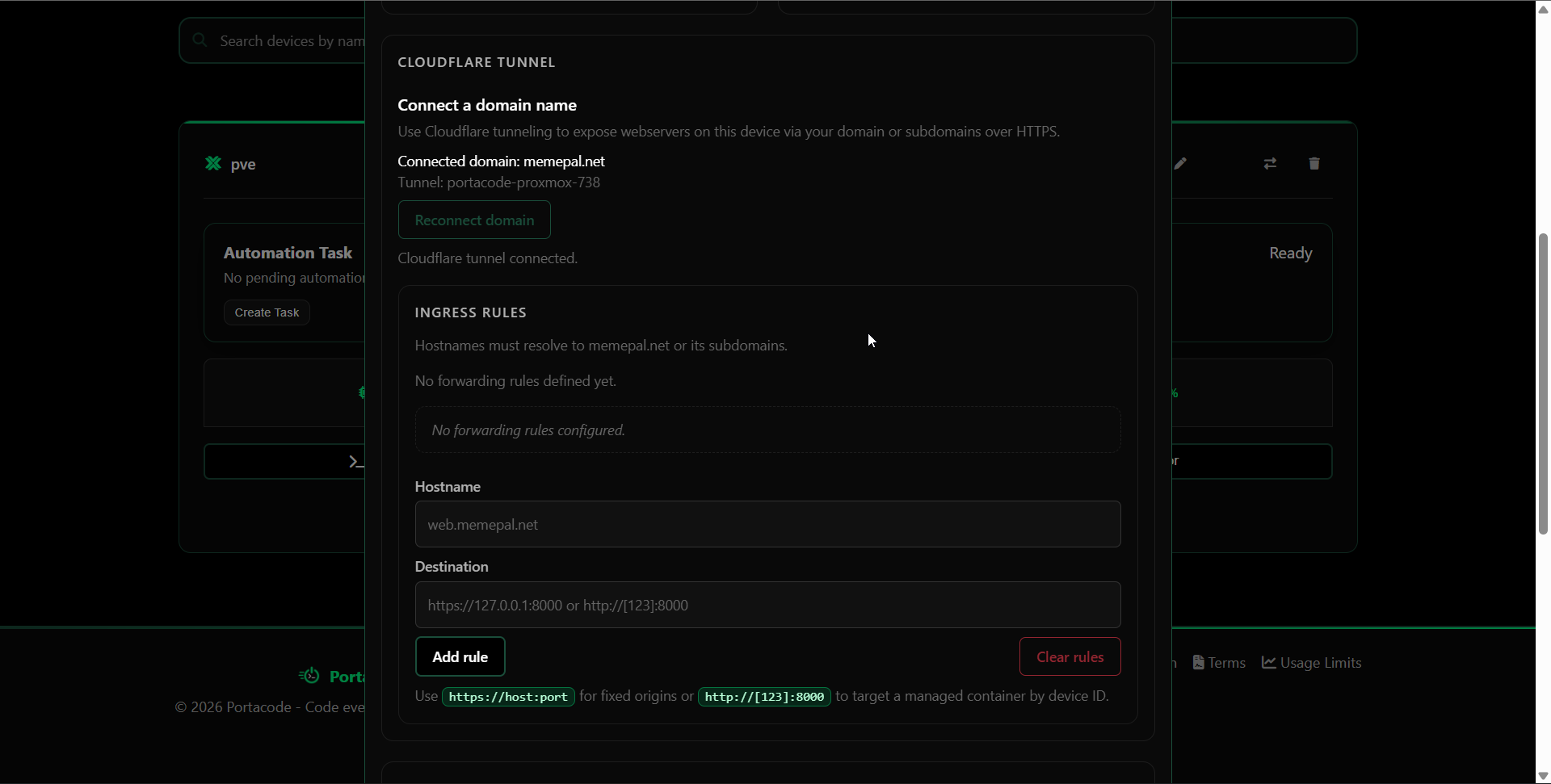
After authorization, you can manage tunnel ingress rules directly in Portacode:
If this device is also a configured Proxmox infra node, containers on that node can expose services via Quick Expose Ports in the modal or by using expose_ports in automation YAML.
- Proxmox setup: Set Up Proxmox As A Portacode Infra Node
- CI/CD reference: Portacode CI/CD Intro